

Markets
ALLQ: All Quotes
Every venue's quote for one security, beside the composite price.
All Quotes lists the quote for the linked security on every venue that trades it (exchanges, 24/7 perpetual venues and crypto exchanges), next to the composite price, so you can see where it trades and at what spread.
ALLQ follows its link group.
Aliases: ALL, VENUES
How to use ALLQ
| You type | Result |
|---|---|
MSTR ALLQ ENTER | Every venue quoting MSTR. |
BTC-USD ALLQ ENTER | Every venue quoting bitcoin. |
Reading the table
Each row is a venue with its last price, bid, ask, size and the time of the last update. Select Active quotes only in the window menu (1 <GO>) to hide venues that are not quoting right now.
Window menu
Open ▾ in the title bar (or right-click the window) for ALLQ’s options:
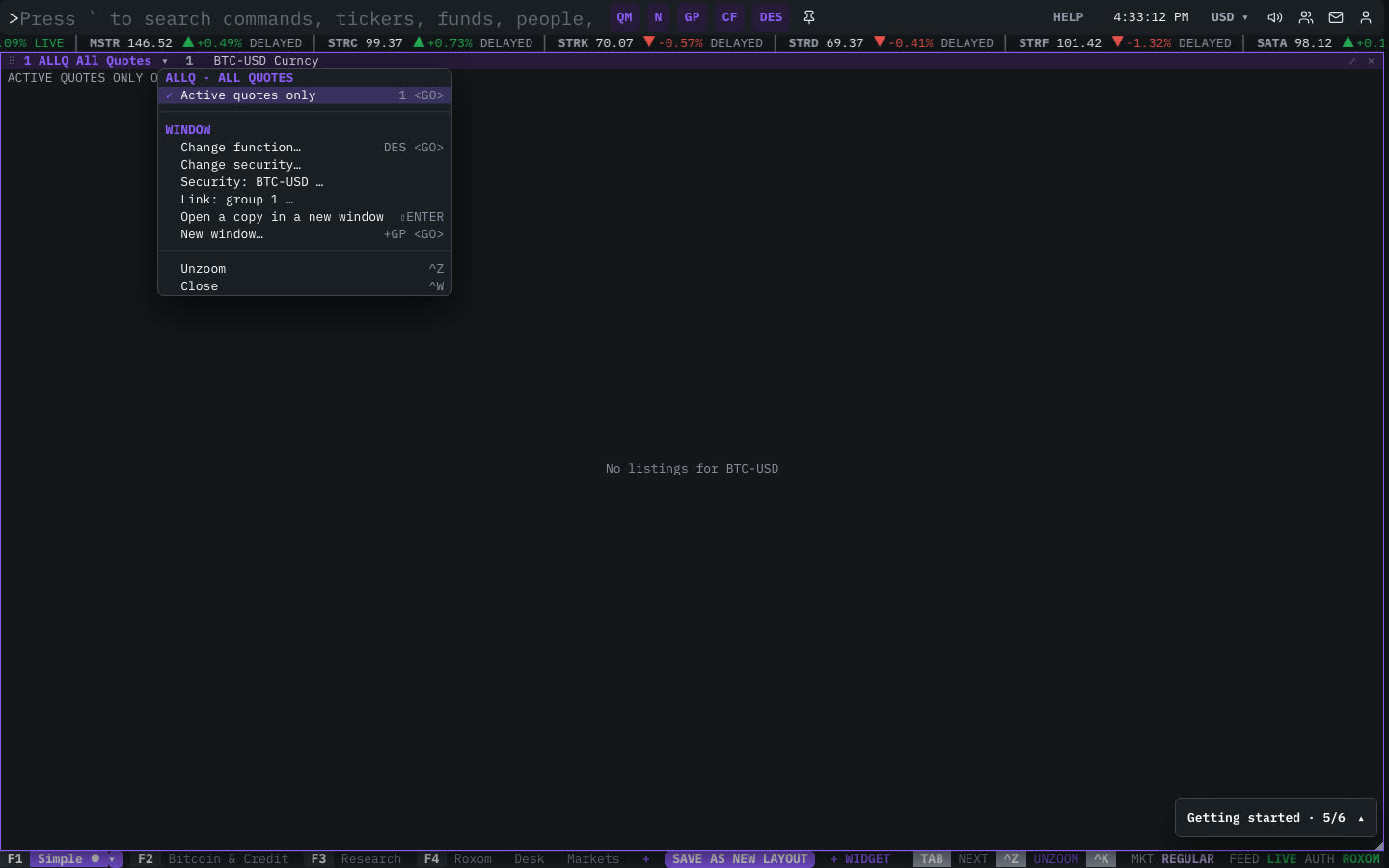
| Menu item | Shortcut |
|---|---|
| Active quotes only | 1 <GO> |
The menu also has the standard window actions: change function, change security, link, open a copy, zoom and close.
Plan limits
| Guest | Free | Pro | |
|---|---|---|---|
| Venues shown | 1 | 5 | All |
See Plans and access.
Related functions
FAQ
What does ALLQ do?
Every venue, composite, delayed quotes.
How do I open ALLQ?
Type ALLQ on the command line and press ENTER. To open it in a new window, type +ALLQ or press ⇧ENTER. Add a ticker first to load a specific security, for example MSTR ALLQ.
Why do I see only one venue?
Guests see the composite plus 1 venue and free accounts up to 5. Pro shows every venue.
Last modified on