

Trading & account
How to move funds between Funding and Trading in Roxom Pro
See your Funding and Trading balances in ACCT and transfer BTC, USDT or USDC between them.
Your Roxom account has two parts: the Funding account, where deposits arrive, and the Trading account (the Unified Trading Account, or UTA). See Understanding your Roxom accounts. In Roxom Pro, the ACCT window shows both and lets you move funds between them.
Your balances
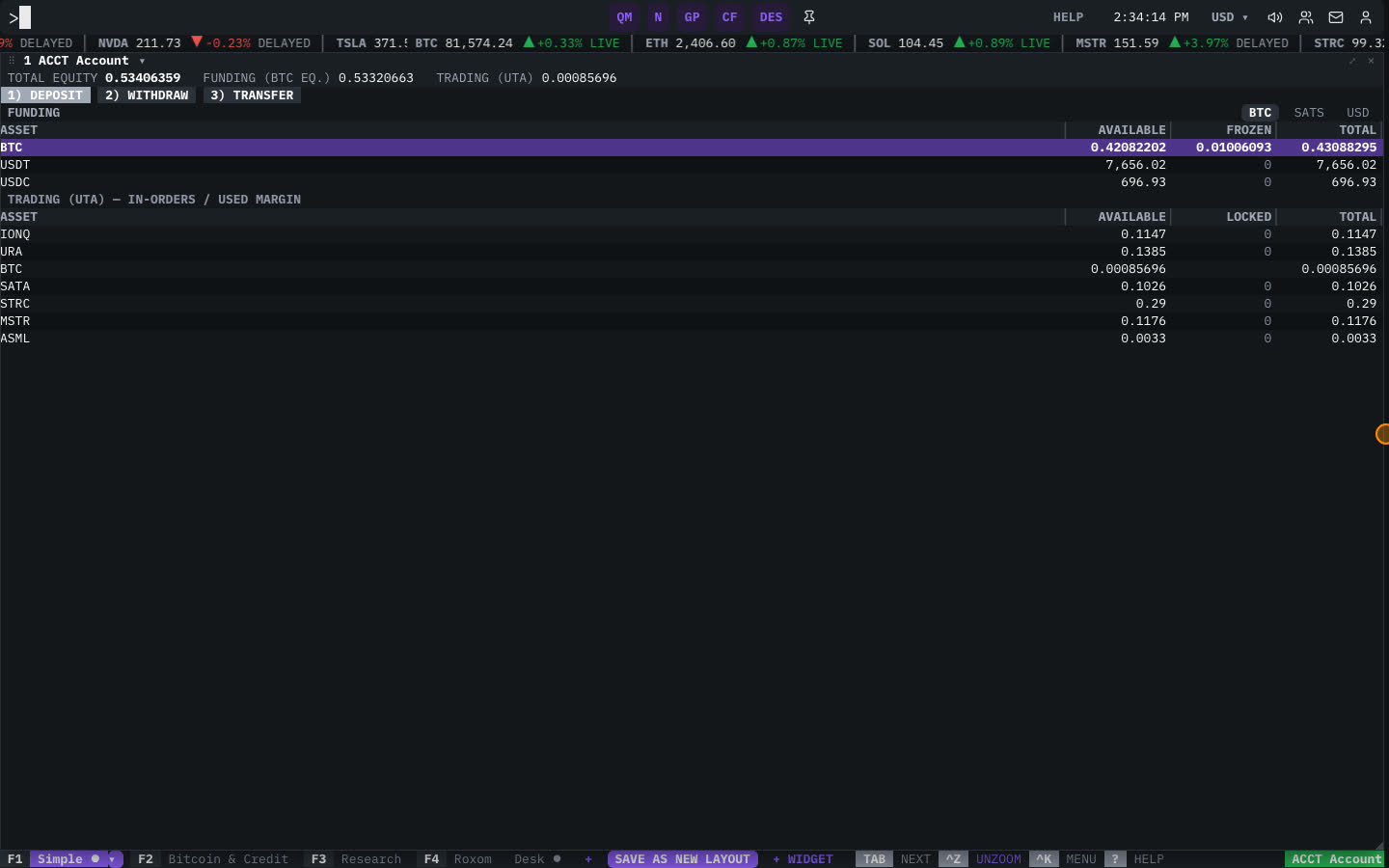
Type ACCT (or press F4 for the Roxom layout). The window shows:
- Your total equity, also in bitcoin terms.
- FUNDING balances: ASSET, AVAILABLE, FROZEN and TOTAL.
- TRADING balances: ASSET, AVAILABLE, LOCKED and TOTAL.
How to transfer
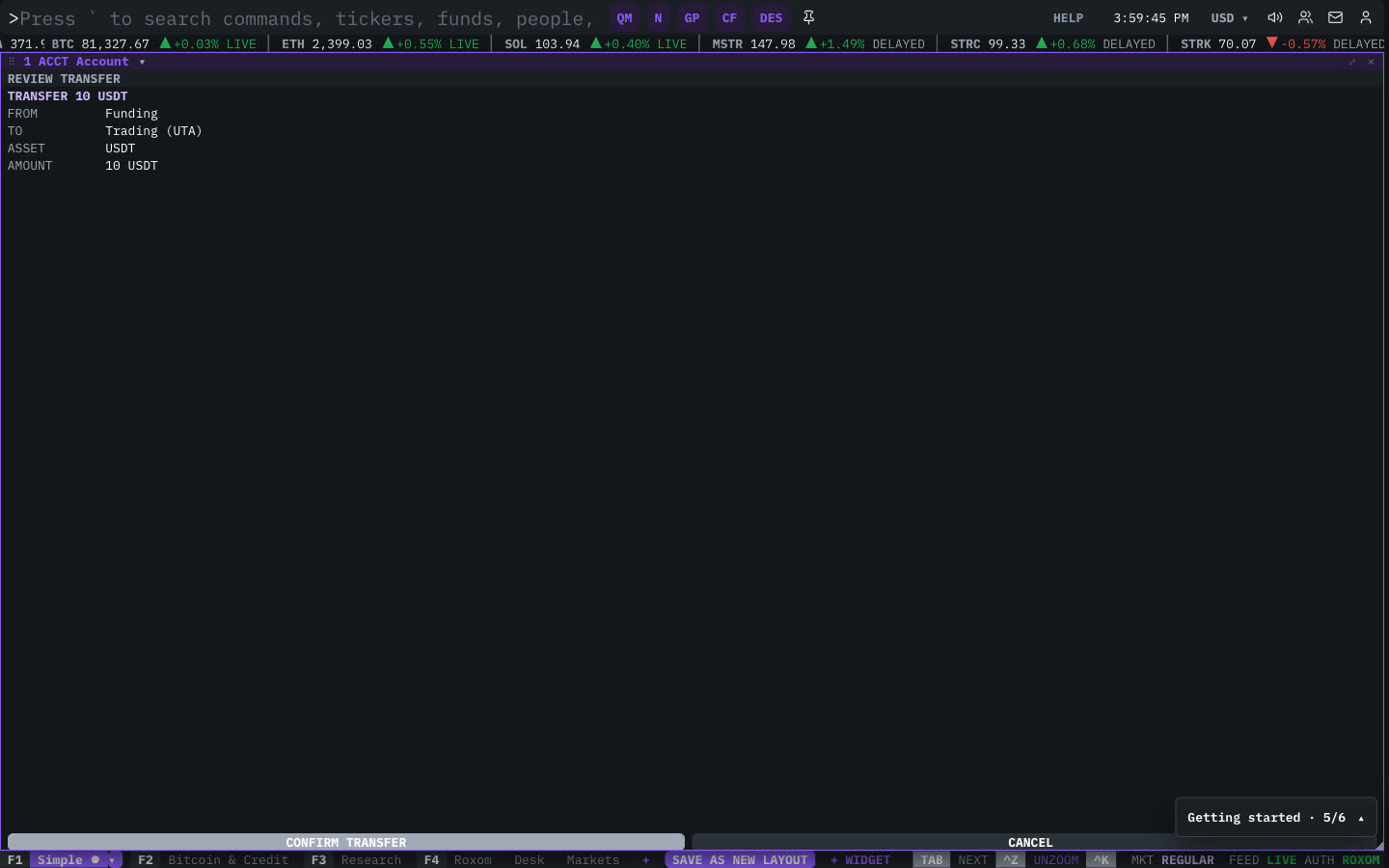
- Open the transfer
In the ACCT window, select TRANSFER (or type
3and press ENTER). - Choose the direction
FUNDING → TRADING or TRADING → FUNDING.
- Choose the asset and amount
Pick the ASSET (BTC, USDT or USDC) and type the AMOUNT. AVAILABLE shows how much you can move.
- Review and confirm
Select REVIEW TRANSFER, check the details, then select CONFIRM TRANSFER. Transfers between your own accounts are instant.
Related articles
Last modified on