

Security
ATLAS: Relationship Map
Who supplies, buys from, competes and partners with a company, from SEC filings.
Relationship Map shows a company’s suppliers, customers, competitors and partners, as disclosed in SEC filings, drawn as a map around the linked company. Click a related company to load it.
ATLAS follows its link group.
Aliases: SPLC, SUPPLY, REL
How to use ATLAS
| You type | Result |
|---|---|
NVDA ATLAS ENTER | Nvidia’s relationships. |
Window menu
Open ▾ in the title bar (or right-click the window) for ATLAS’s options:
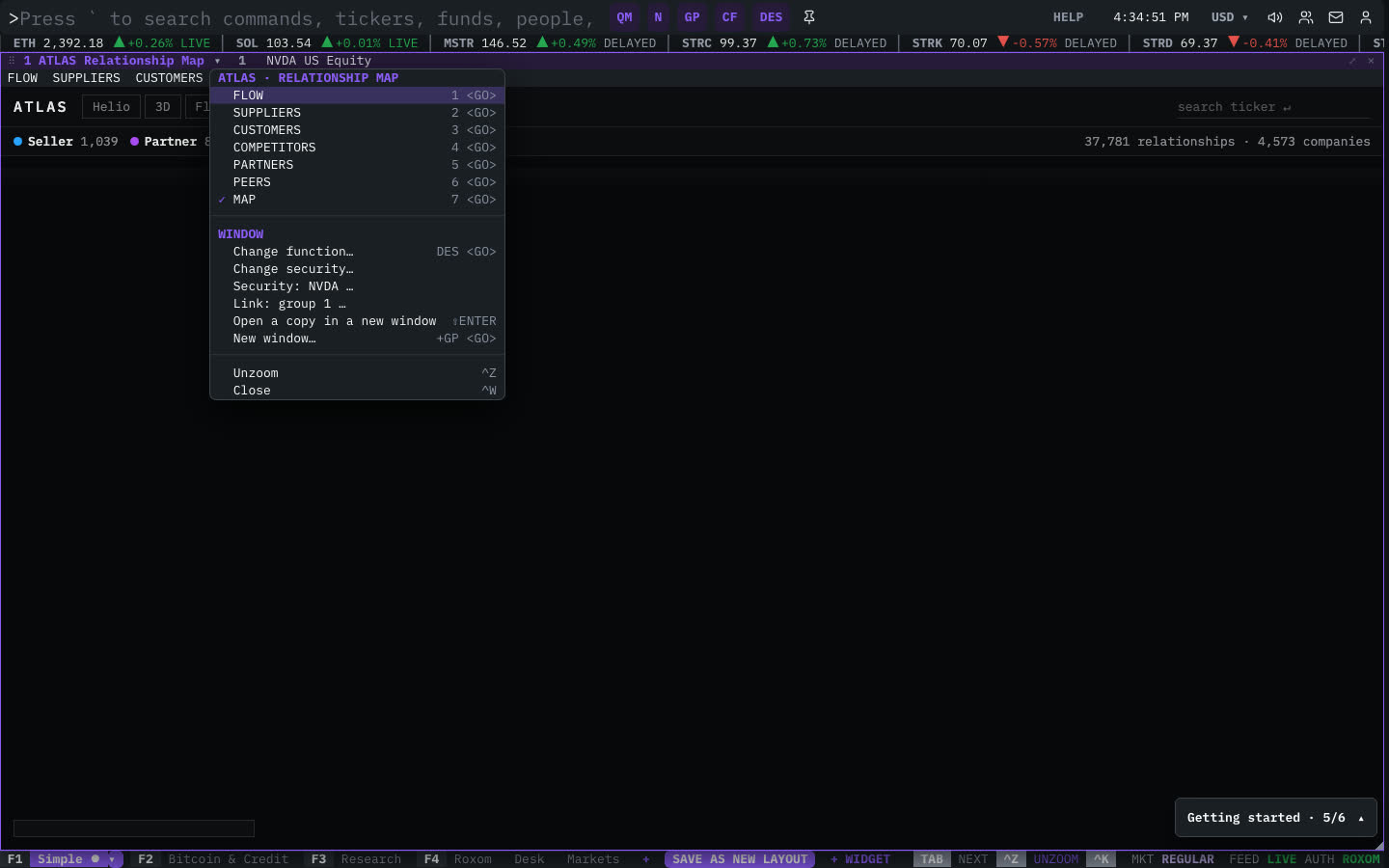
| Menu item | Shortcut |
|---|---|
| FLOW | 1 <GO> |
| SUPPLIERS | 2 <GO> |
| CUSTOMERS | 3 <GO> |
| COMPETITORS | 4 <GO> |
| PARTNERS | 5 <GO> |
| PEERS | 6 <GO> |
| MAP | 7 <GO> |
The menu also has the standard window actions: change function, change security, link, open a copy, zoom and close.
Plan limits
| Guest | Free | Pro | |
|---|---|---|---|
| Links shown | 3 | 10 | All |
See Plans and access.
Related functions
FAQ
What does ATLAS do?
Suppliers, customers, competitors, partners from SEC filings.
How do I open ATLAS?
Type ATLAS on the command line and press ENTER. To open it in a new window, type +ATLAS or press ⇧ENTER. Add a ticker first to load a specific security, for example NVDA ATLAS.
Last modified on