

Security
GR: Ratio Analysis
The ratio of two securities over time, with correlation and regression.
Ratio Analysis charts one security divided by another (for example MSTR against bitcoin), along with their correlation and a regression.
GR follows its link group.
Aliases: RATIO, PAIR
How to use GR
| You type | Result |
|---|---|
MSTR GR ENTER | MSTR against the S&P 500 ETF (SPY), the default second leg. |
GR MSTR/BTC-USD ENTER | MSTR divided by bitcoin. GR MSTR BTC-USD works too. |
Options
From the window menu: PERIOD (guests see 1Y only), Regression statistics (Pro), Correlation, and Swap legs to invert the ratio.
Window menu
Open ▾ in the title bar (or right-click the window) for GR’s options:
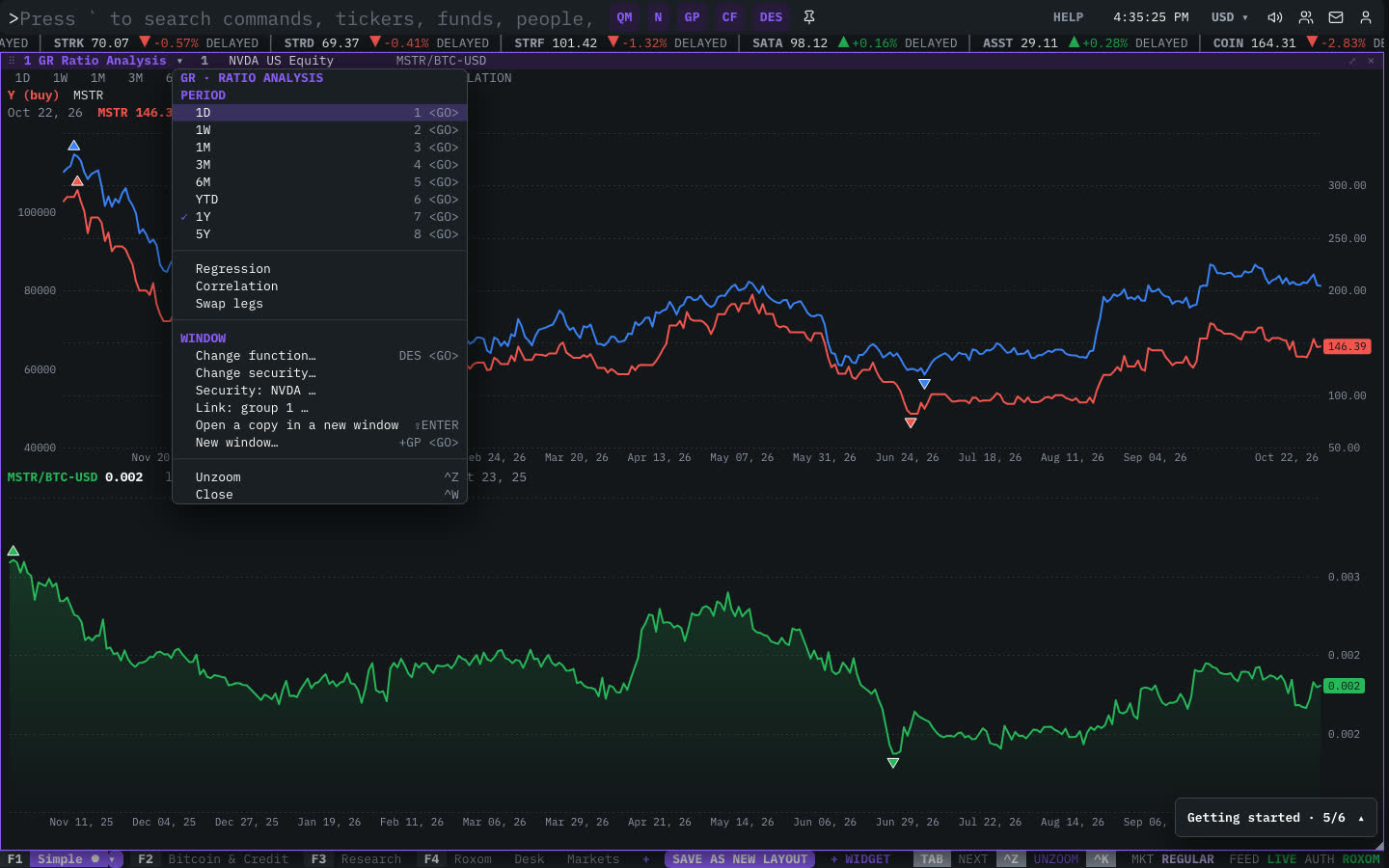
| Menu item | Shortcut |
|---|---|
| Period | |
| ◆ 1D | 1 <GO> |
| ◆ 1W | 2 <GO> |
| ◆ 1M | 3 <GO> |
| ◆ 3M | 4 <GO> |
| ◆ 6M | 5 <GO> |
| ◆ YTD | 6 <GO> |
| 1Y | 7 <GO> |
| ◆ 5Y | 8 <GO> |
| Regression | |
| Correlation | |
| Swap legs |
The menu also has the standard window actions: change function, change security, link, open a copy, zoom and close.
Plan limits
| Guest | Free | Pro | |
|---|---|---|---|
| Every date range | — | ✓ | ✓ |
| Regression statistics | — | — | ✓ |
See Plans and access.
Related functions
FAQ
What does GR do?
Pair ratio, correlation, regression.
How do I open GR?
Type GR on the command line and press ENTER. To open it in a new window, type +GR or press ⇧ENTER. Add a ticker first to load a specific security, for example MSTR GR.
Last modified on